Logging in to TrueChecks
We recommend using a bookmark or shortcut to easily access the TrueChecks portal.
It is best to log into TrueChecks at the beginning of your day. Once you are logged in, you will remain logged in for the remainder of the day. You can minimize the browser when you're not using TrueChecks so you can easily return to TrueChecks when you need to.
When you get to the TrueChecks portal, click the Login link found on the right side of your screen. Here, you will enter your username and password, and then click the Login button to get started.
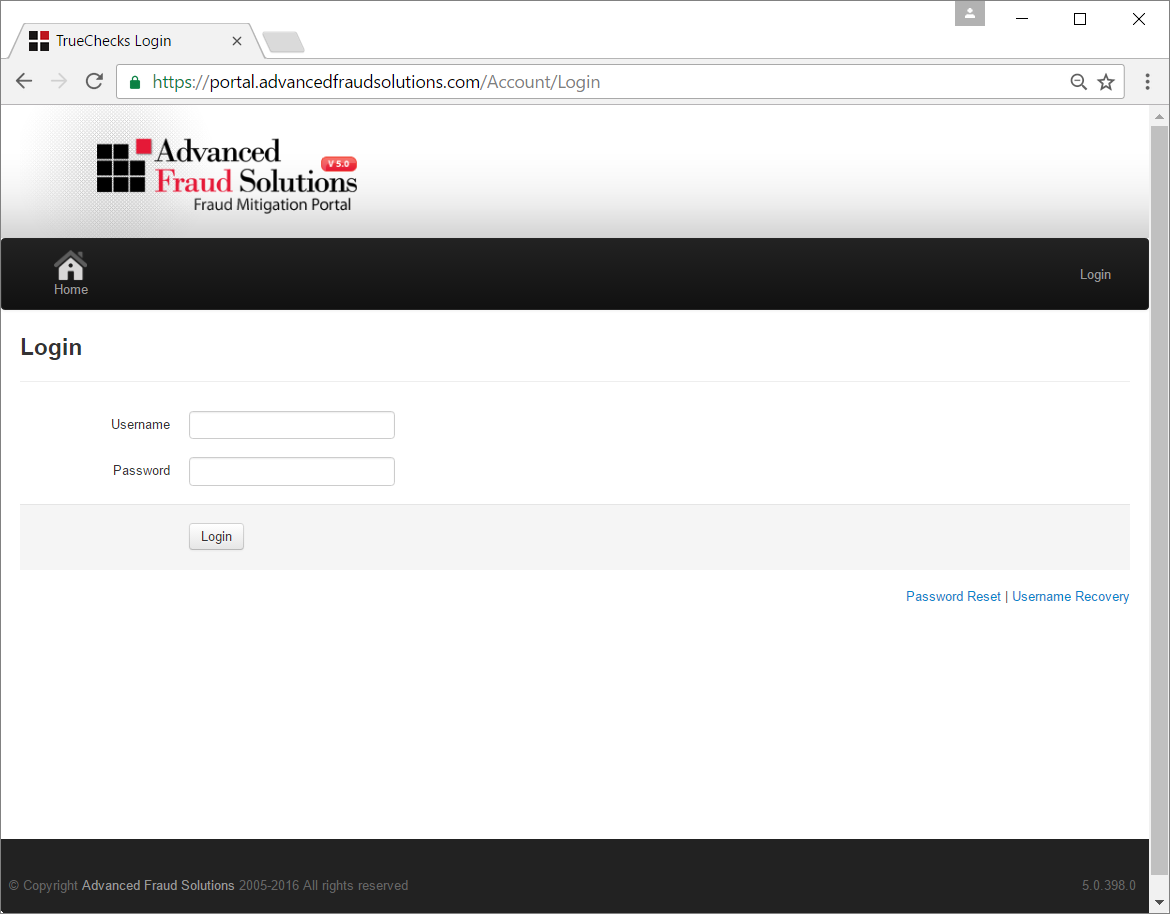
If you have any trouble logging in, there are Username Recovery and Password Reset options on the lower right side of the login page.
The Username Recovery process asks you for your email address, and TrueChecks will send you an email containing your username.
The Password Reset process asks for your username, and an email will be sent to you. The email contains a link which can be used to reset your password. This link can only be used once, and expires shortly after being sent.
Comments
0 comments
Please sign in to leave a comment.