We’ve created an interactive, step-by-step guide to walk you through TrueChecks User Roles. You can click Get Started to experience exactly how it works in real time.
📕 Prefer to read instead? Keep scrolling for the full tutorial with screenshots and explanations.
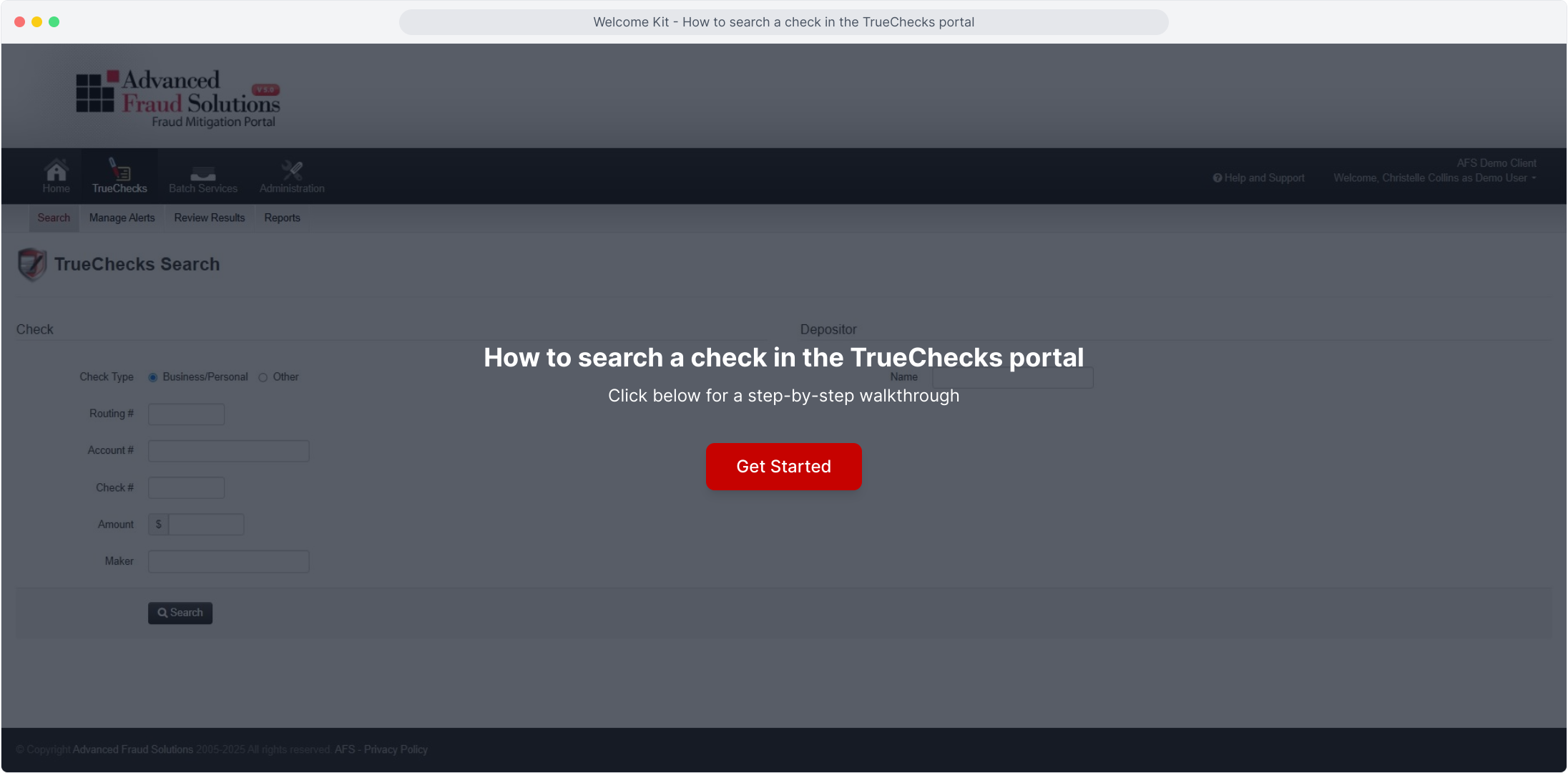
How to search a check in the TrueChecks portal
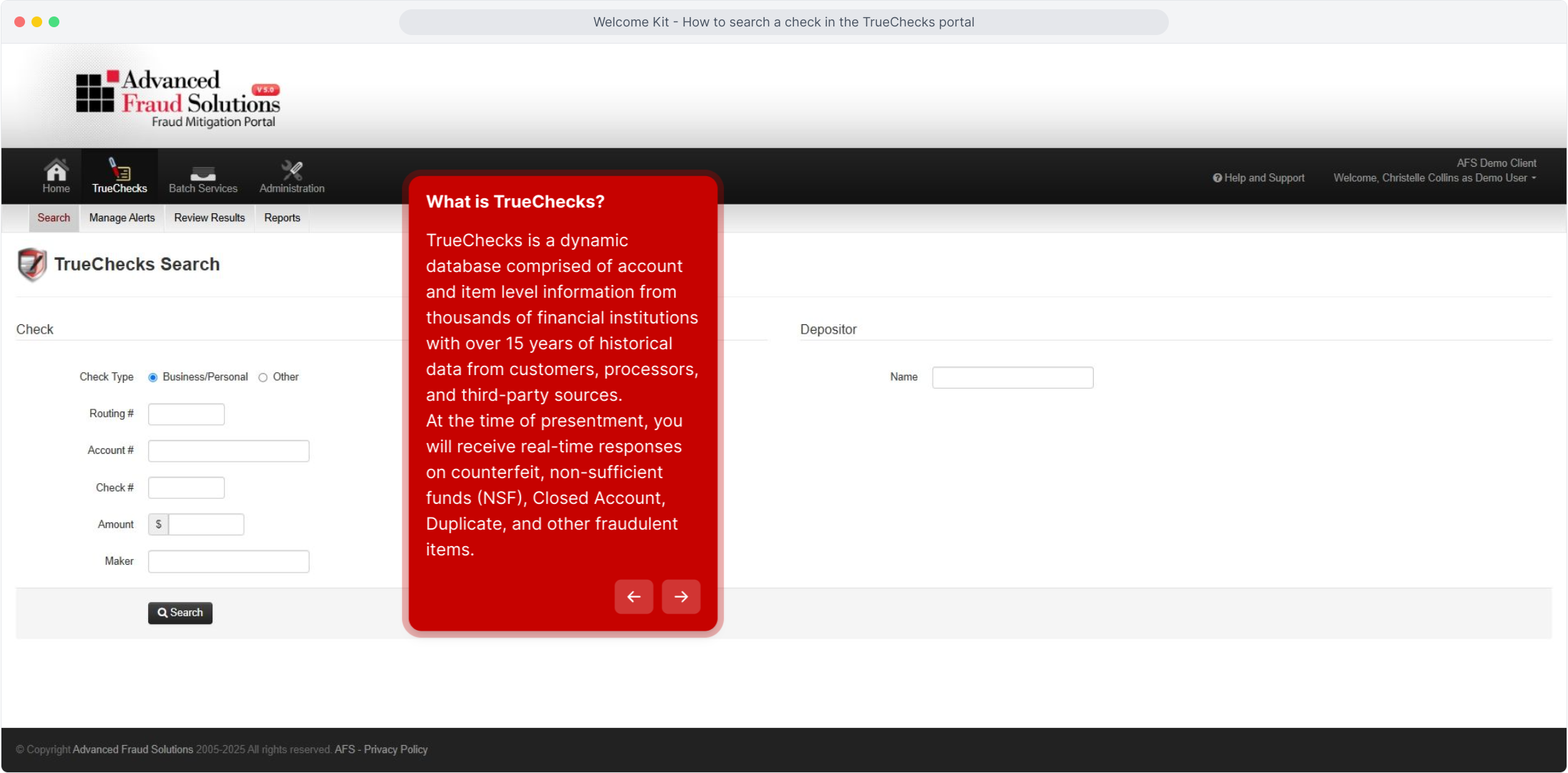
What is TrueChecks?
TrueChecks is a dynamic database comprised of account and item level information from thousands of financial institutions with two decades of historical data from customers, processors, and third-party sources.
At the time of presentment, you will receive real-time responses on counterfeit, non-sufficient funds (NSF), Closed Account, Duplicate, and other fraudulent items.
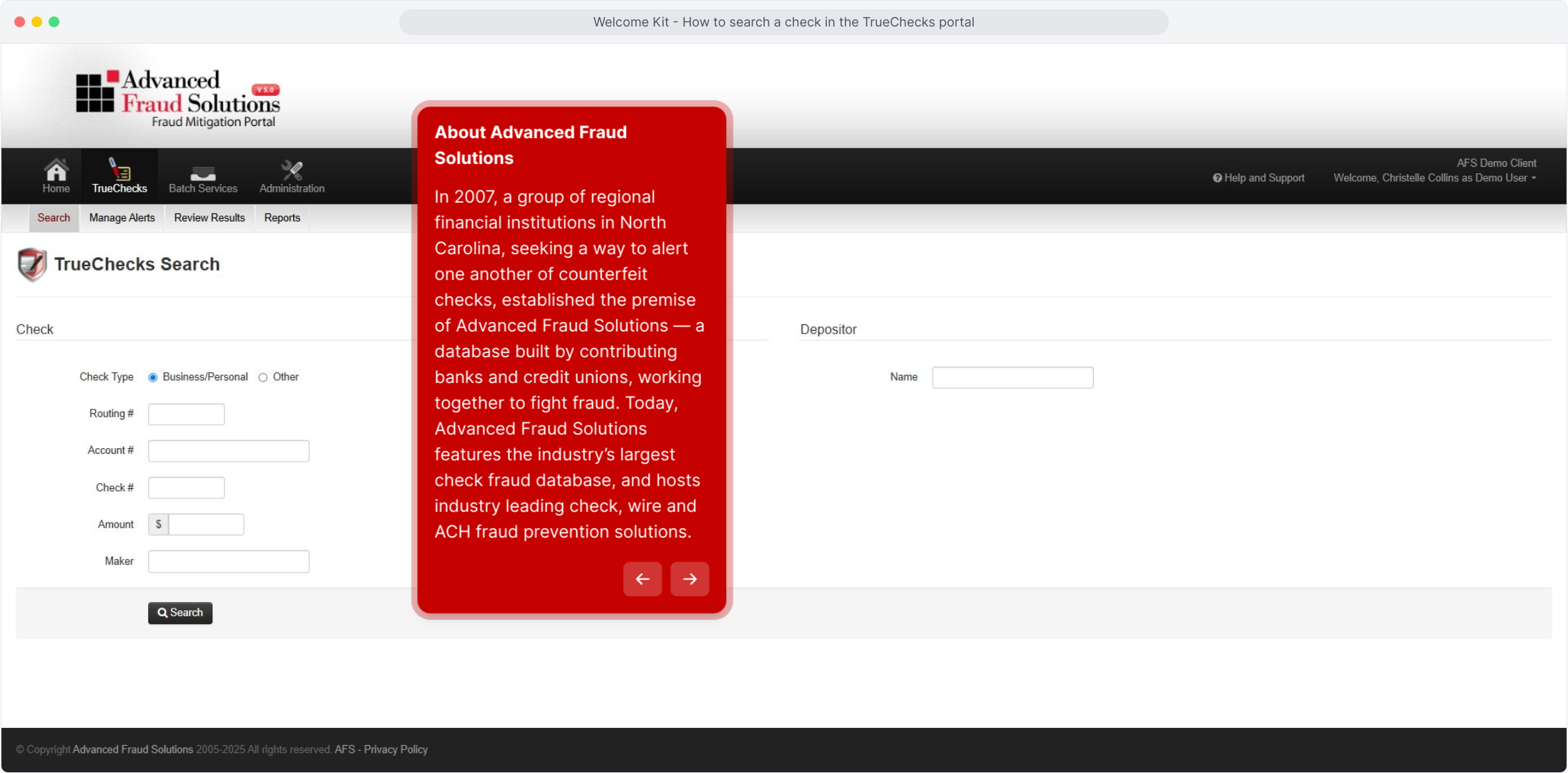
About Advanced Fraud Solutions
In 2007, a group of regional financial institutions in North Carolina, seeking a way to alert one another of counterfeit checks, established the premise of Advanced Fraud Solutions — a database built by contributing banks and credit unions, working together to fight fraud. Today, Advanced Fraud Solutions features the industry’s largest check fraud database, and hosts industry leading check, wire and ACH fraud prevention solutions.
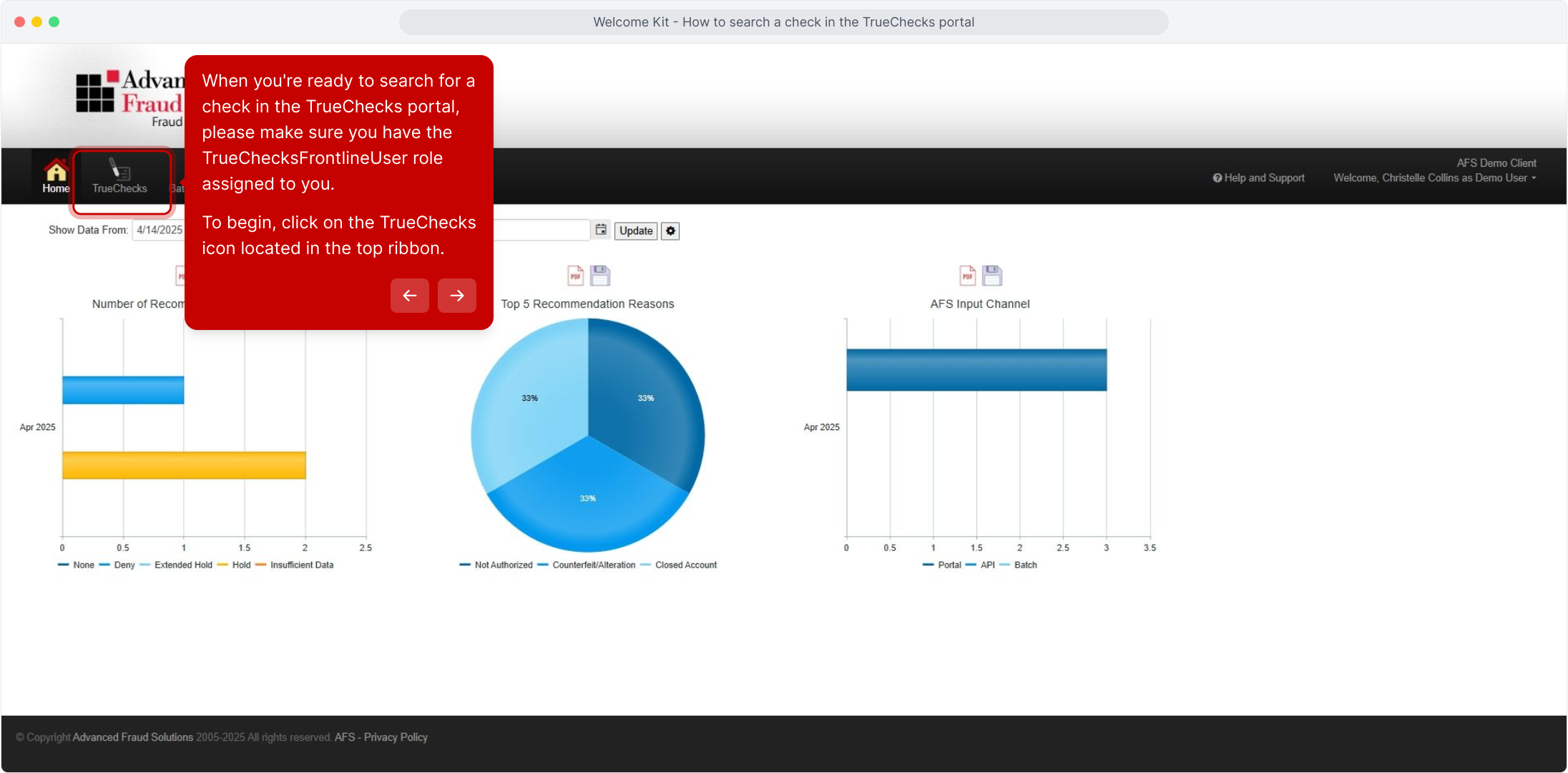
When you're ready to search for a check in the TrueChecks portal, please make sure you have the TrueChecksFrontlineUser role assigned to you.
To begin, click on the TrueChecks icon located in the top ribbon.
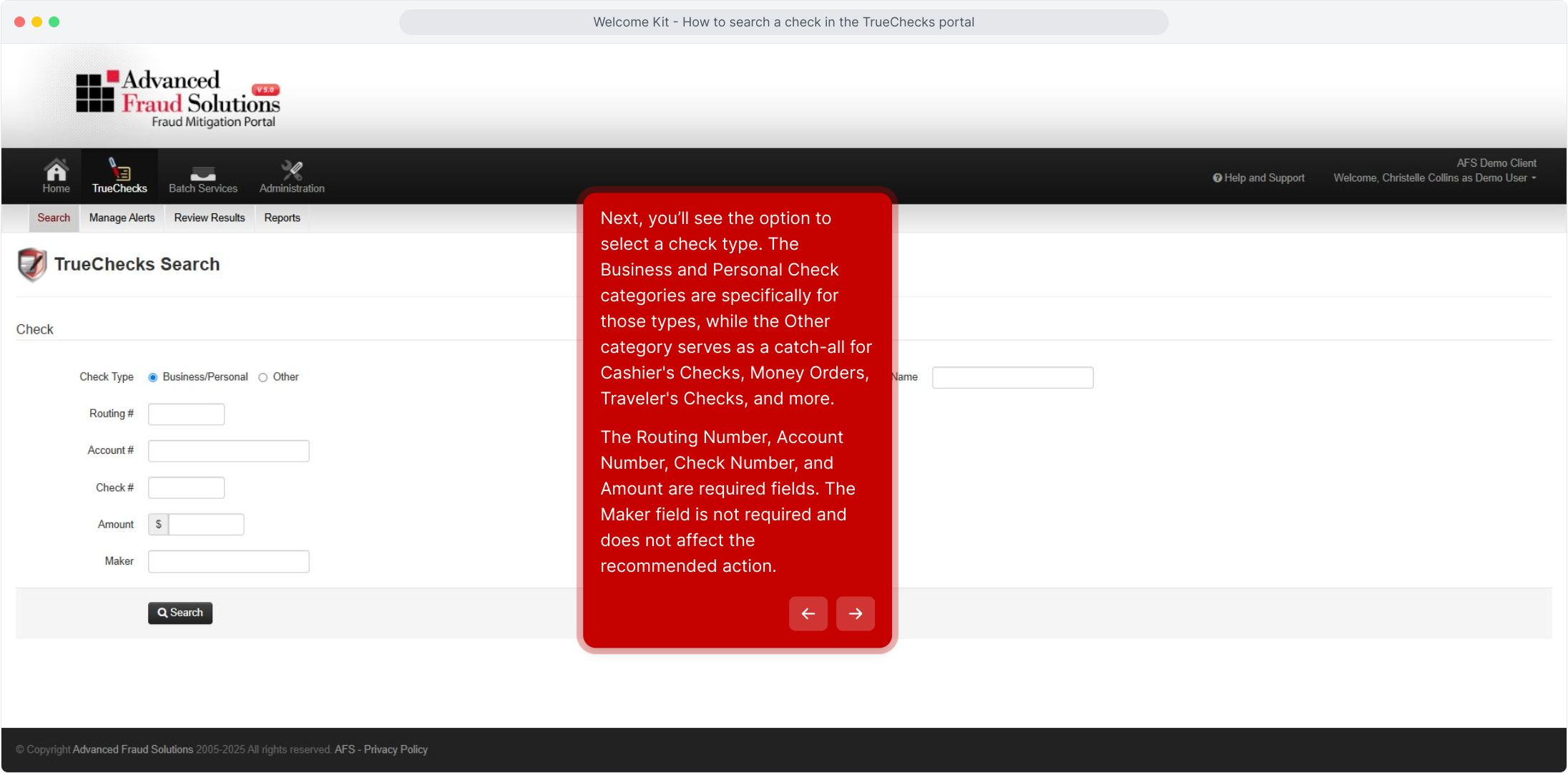
Next, you’ll see the option to select a check type. The Business and Personal Check categories are specifically for those types, while the Other category serves as a catch-all for Cashier's Checks, Money Orders, Traveler's Checks, and more.
The Routing Number, Account Number, Check Number, and Amount are required fields. The Maker field is not required and does not affect the recommended action.
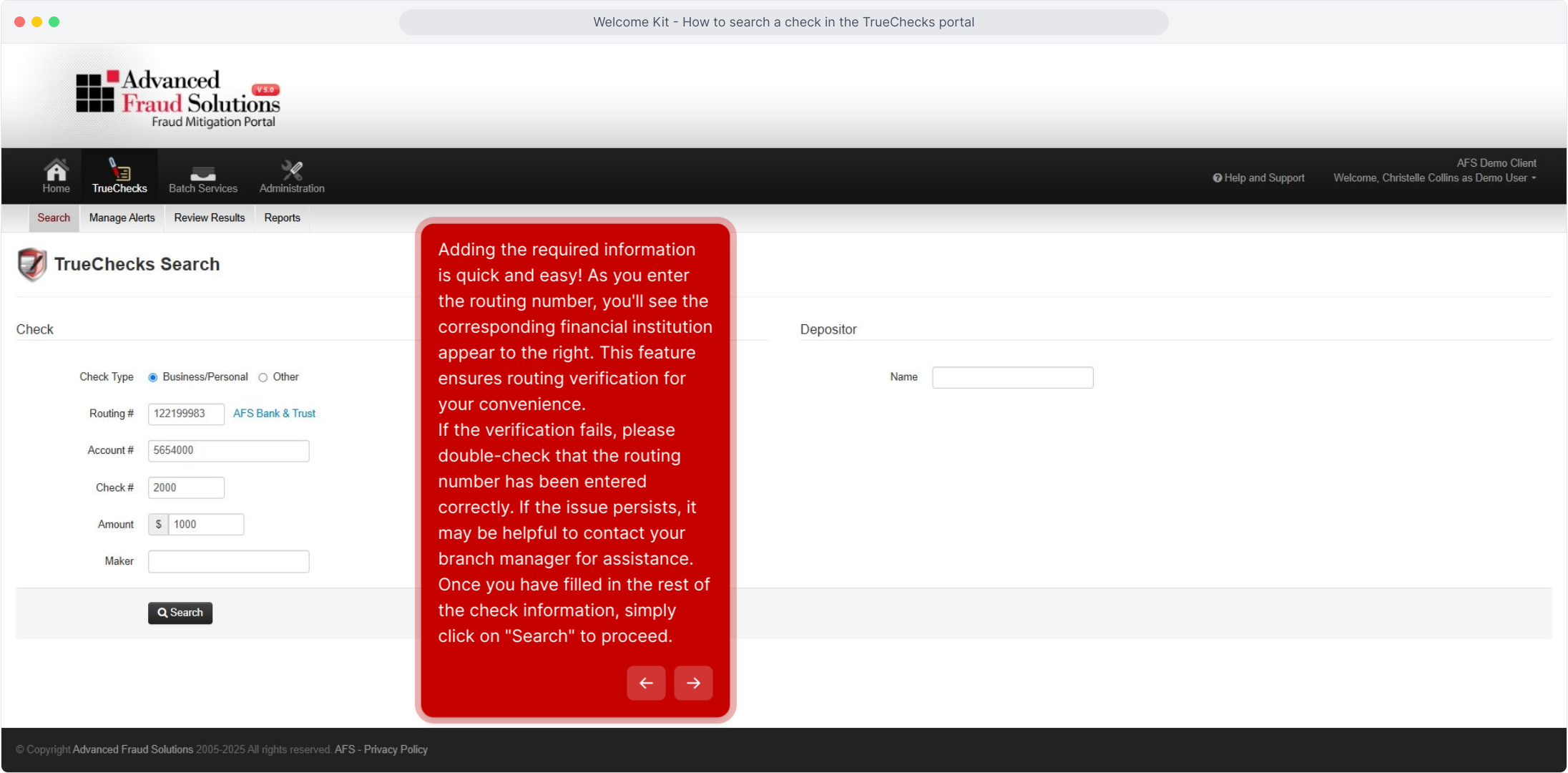
Adding the required information is quick and easy! As you enter the routing number, you'll see the corresponding financial institution appear to the right. This feature ensures routing verification for your convenience.
If the verification fails, please double-check that the routing number has been entered correctly. If the issue persists, it may be helpful to contact your branch manager for assistance.
Once you have filled in the rest of the check information, simply click on "Search" to proceed.
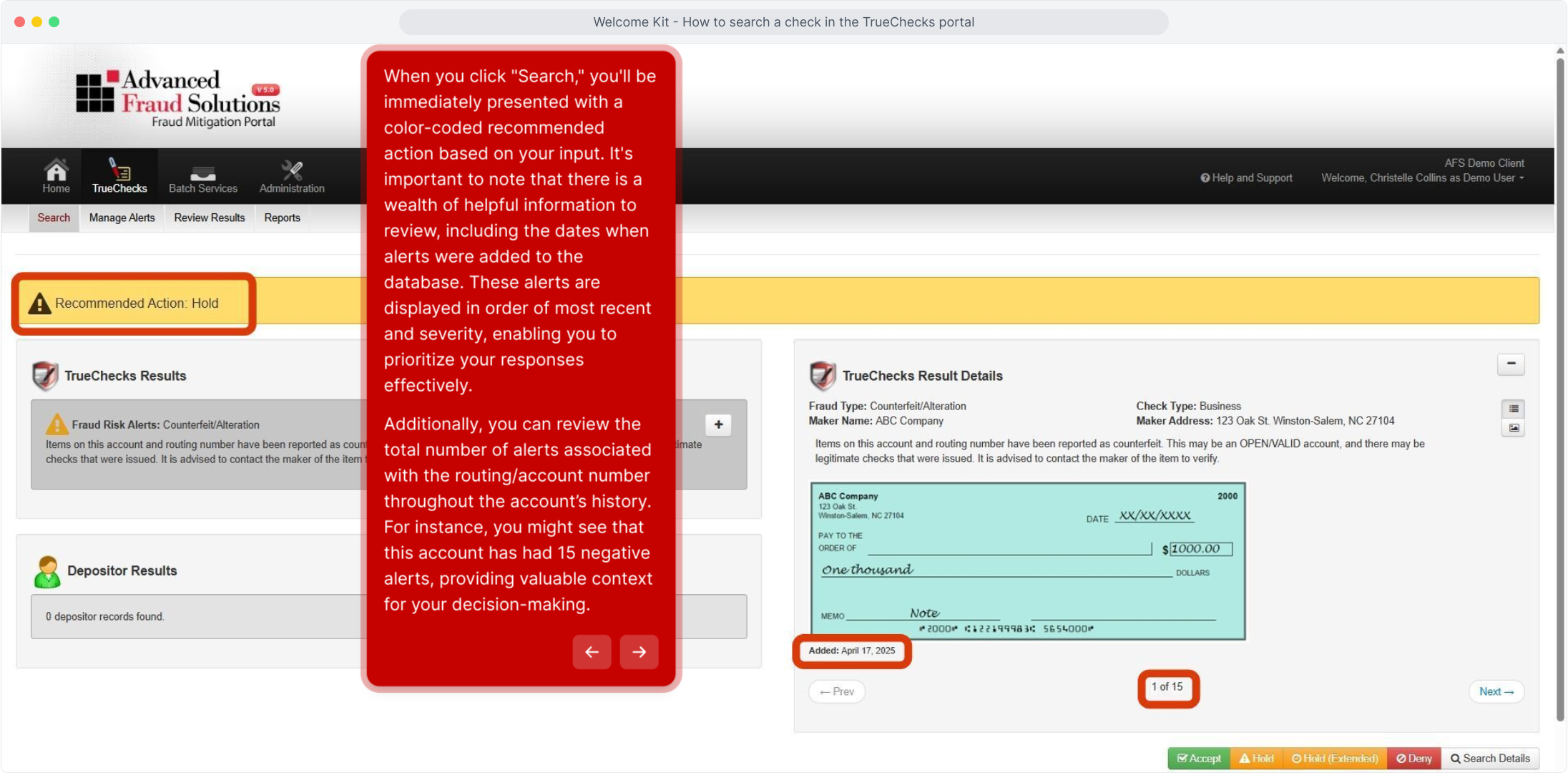
When you click "Search," you'll be immediately presented with a color-coded recommended action based on your input. It's important to note that there is a wealth of helpful information to review, including the dates when alerts were added to the database. These alerts are displayed in order of most recent and severity, enabling you to prioritize your responses effectively.
Additionally, you can review the total number of alerts associated with the routing/account number throughout the account’s history. For instance, you might see that this account has had 15 negative alerts, providing valuable context for your decision-making.
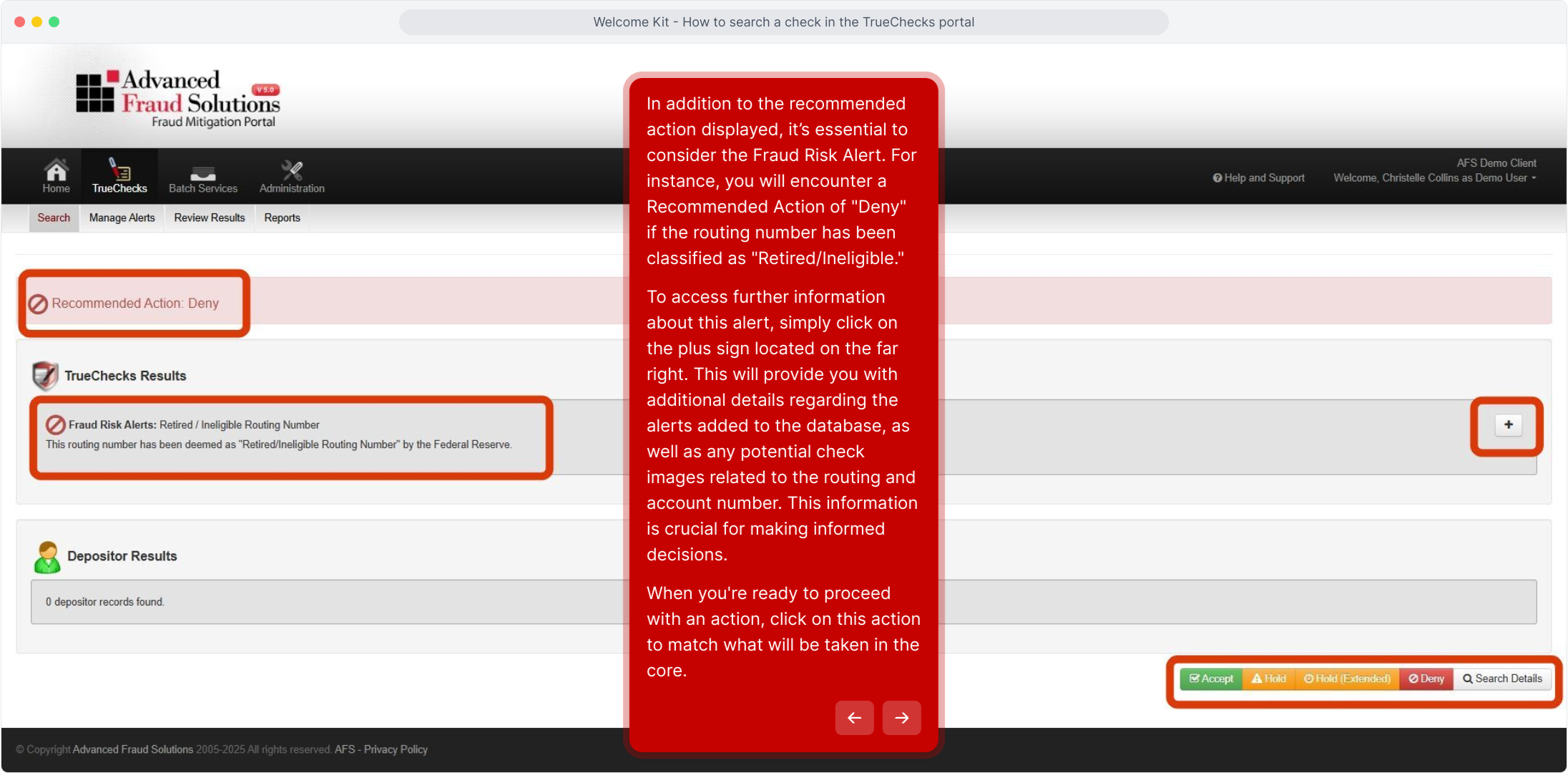
In addition to the recommended action displayed, it’s essential to consider the Fraud Risk Alert. For instance, you will encounter a Recommended Action of "Deny" if the routing number has been classified as "Retired/Ineligible."
To access further information about this alert, simply click on the plus sign located on the far right. This will provide you with additional details regarding the alerts added to the database, as well as any potential check images related to the routing and account number. This information is crucial for making informed decisions.
When you're ready to proceed with an action, click on this action to match what will be taken in the core.
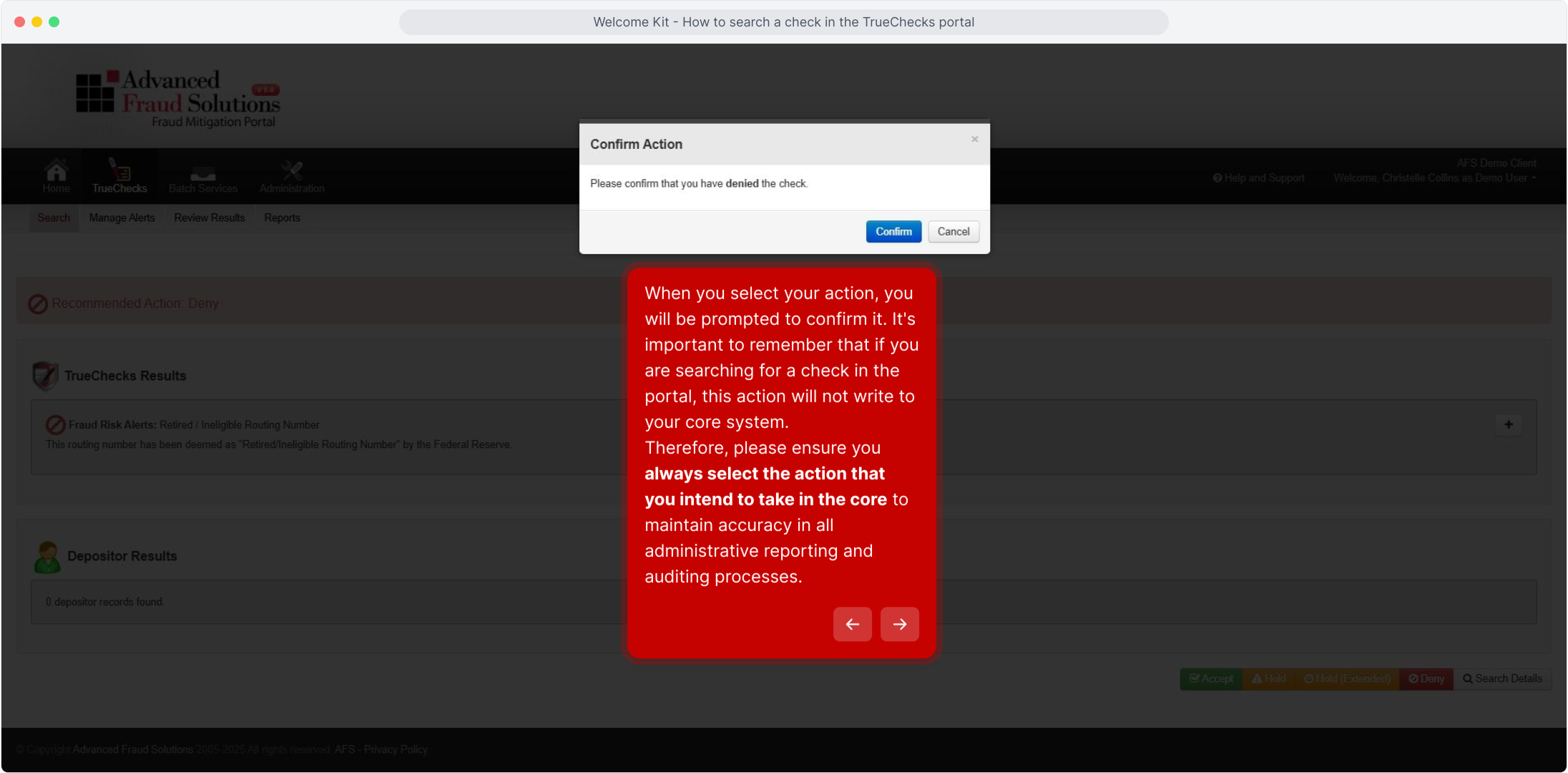
When you select your action, you will be prompted to confirm it. It's important to remember that if you are searching for a check in the portal, this action will not write to your core system.
Therefore, please ensure you always select the action that you intend to take in the core to maintain accuracy in all administrative reporting and auditing processes.
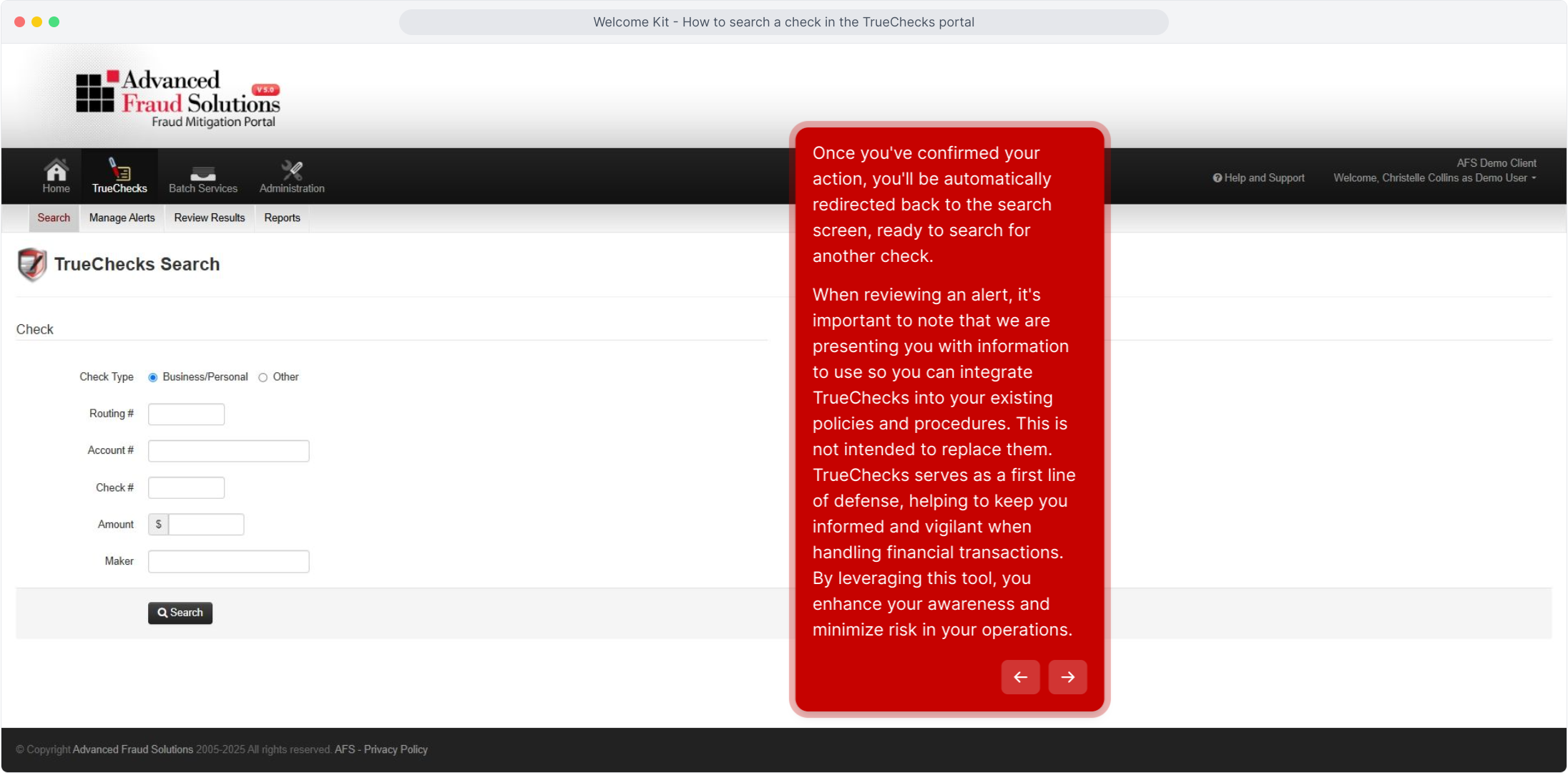
Once you've confirmed your action, you'll be automatically redirected back to the search screen, ready to search for another check.
When reviewing an alert, it's important to note that we are presenting you with information to use so you can integrate TrueChecks into your existing policies and procedures. This is not intended to replace them.
TrueChecks serves as a first line of defense, helping to keep you informed and vigilant when handling financial transactions. By leveraging this tool, you enhance your awareness and minimize risk in your operations.
Thank you for watching! We invite you to check out our other videos for more helpful insights and information.
Comments
0 comments
Article is closed for comments.