Here's an interactive tutorial on how to add users and assign them roles.
📕 Prefer to read instead? Keep scrolling for the full tutorial with screenshots and explanations.
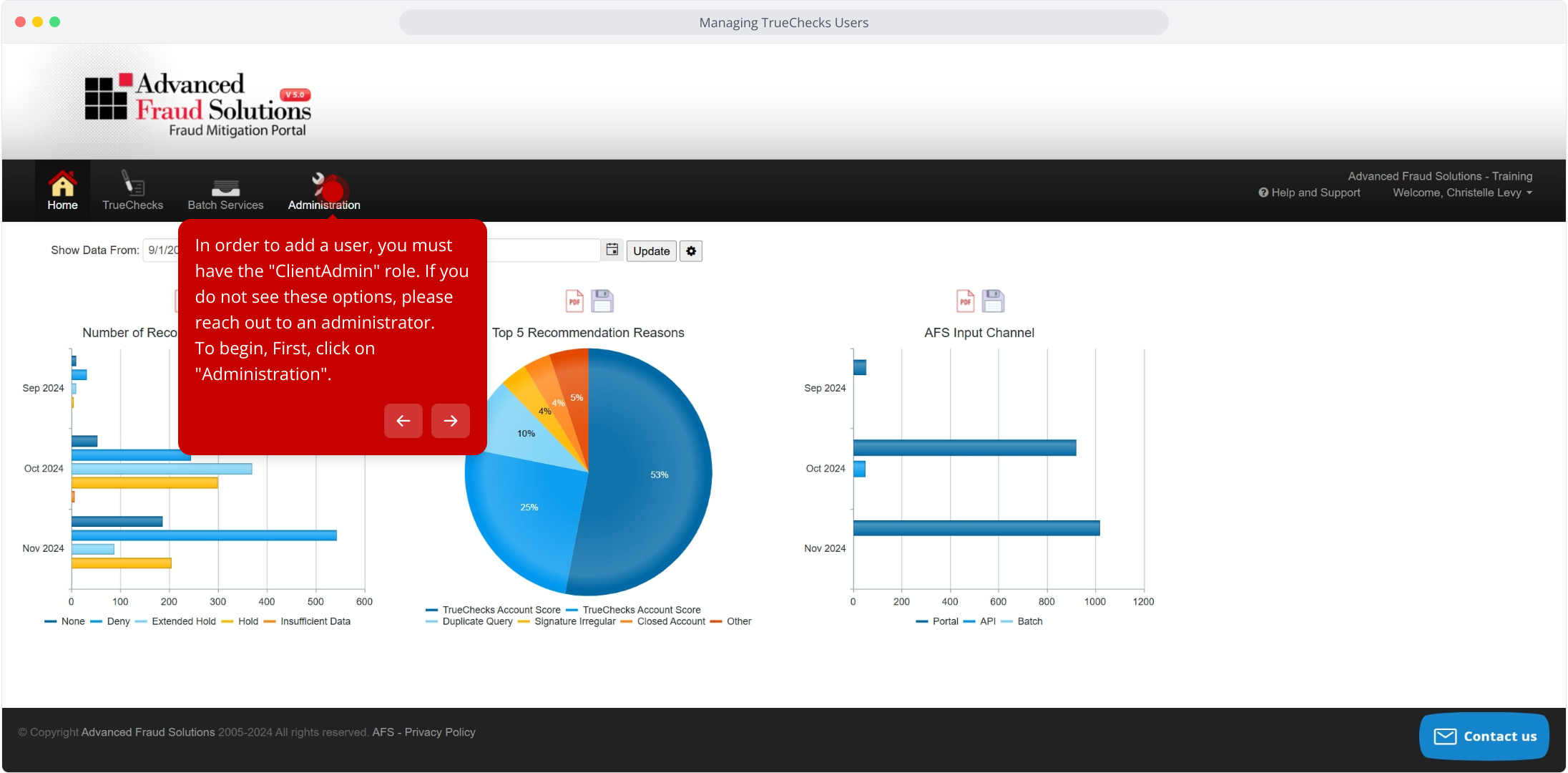
2. In order to add a user, you must have the "ClientAdmin" role. If you do not see these options, please reach out to an administrator.
To begin, First, click on "Administration".
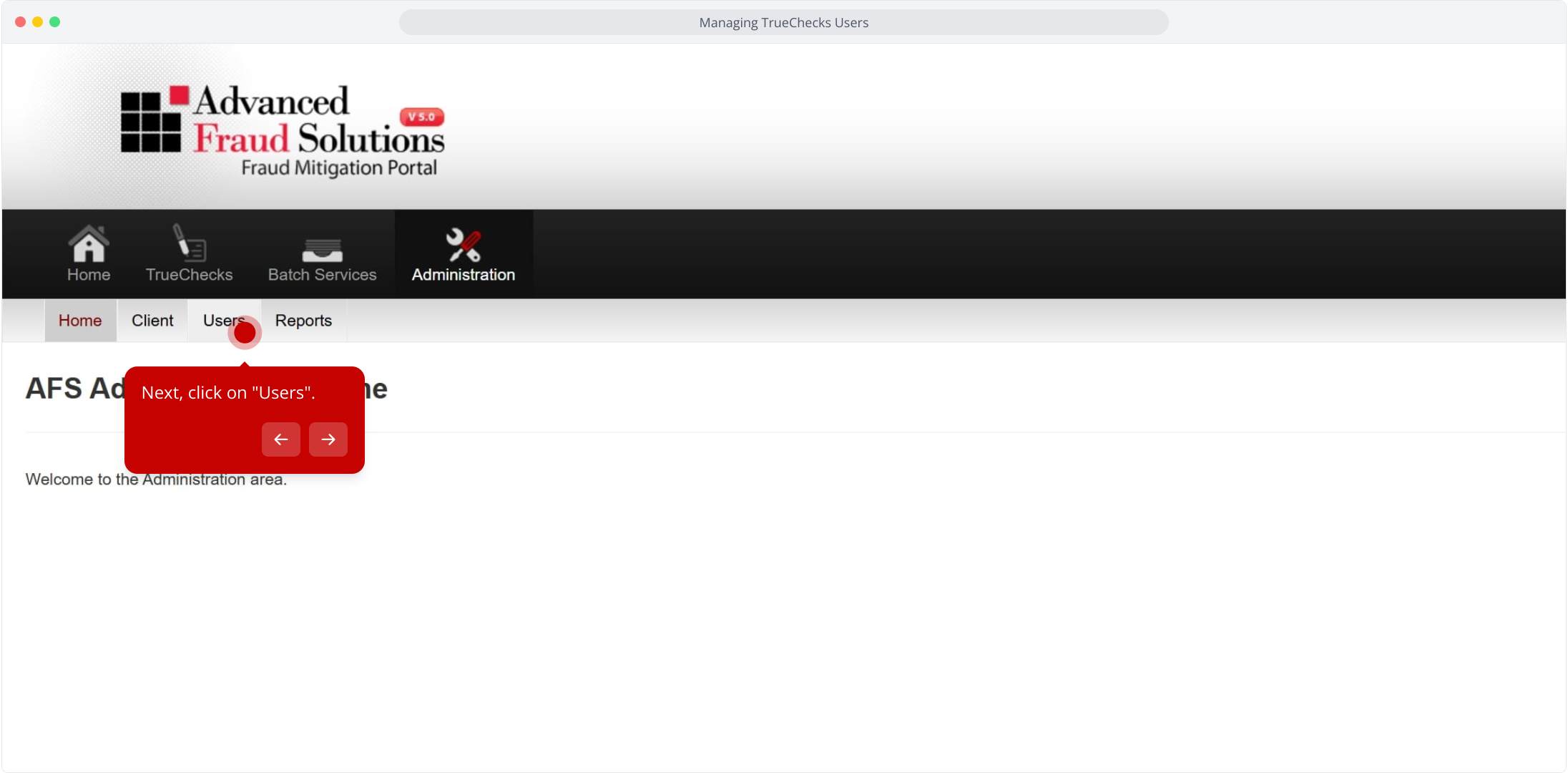
3. Next, click on "Users".
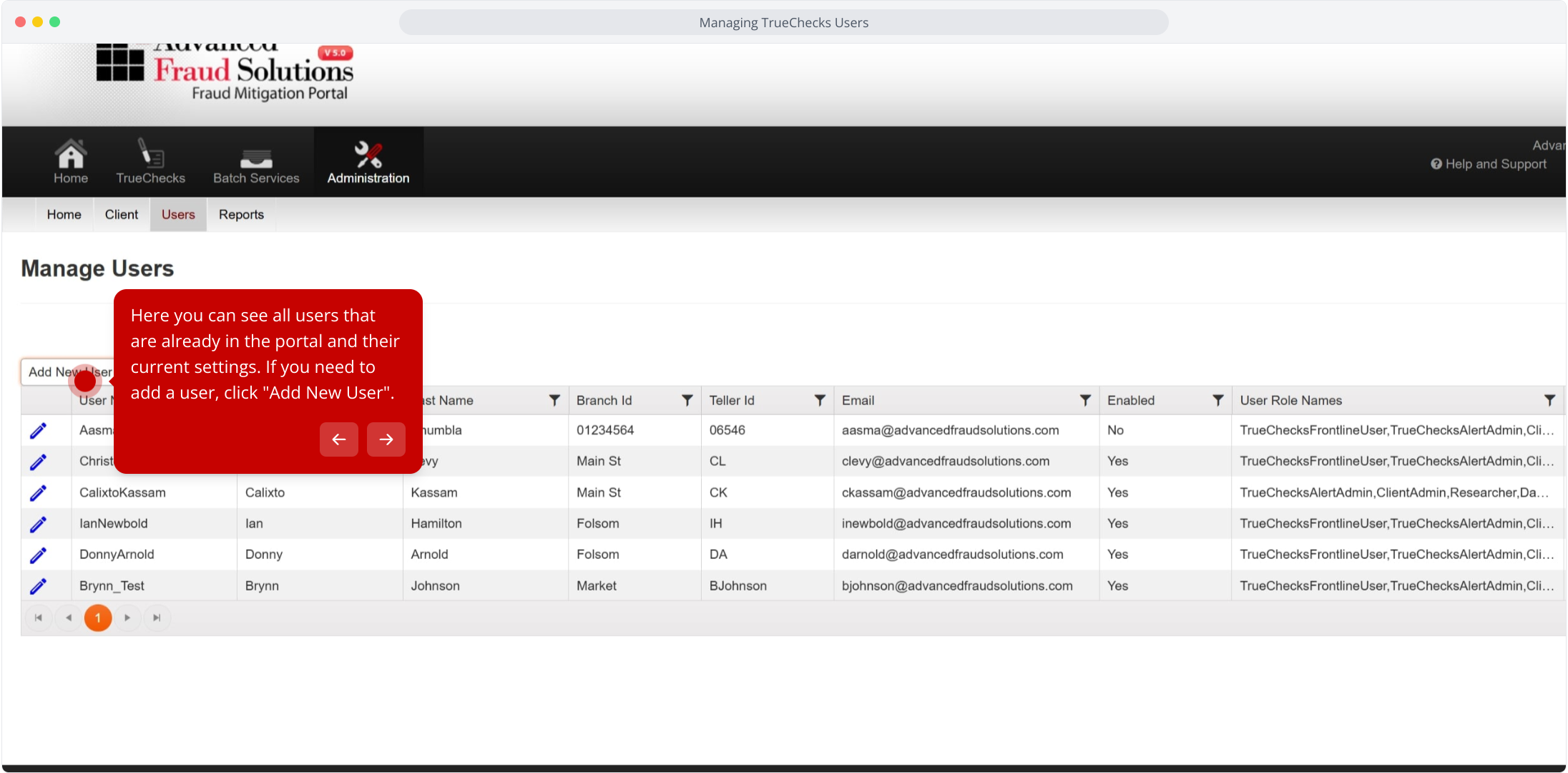
4. Here you can see all users that are already in the portal and their current settings. If you need to add a user, click "Add New User".
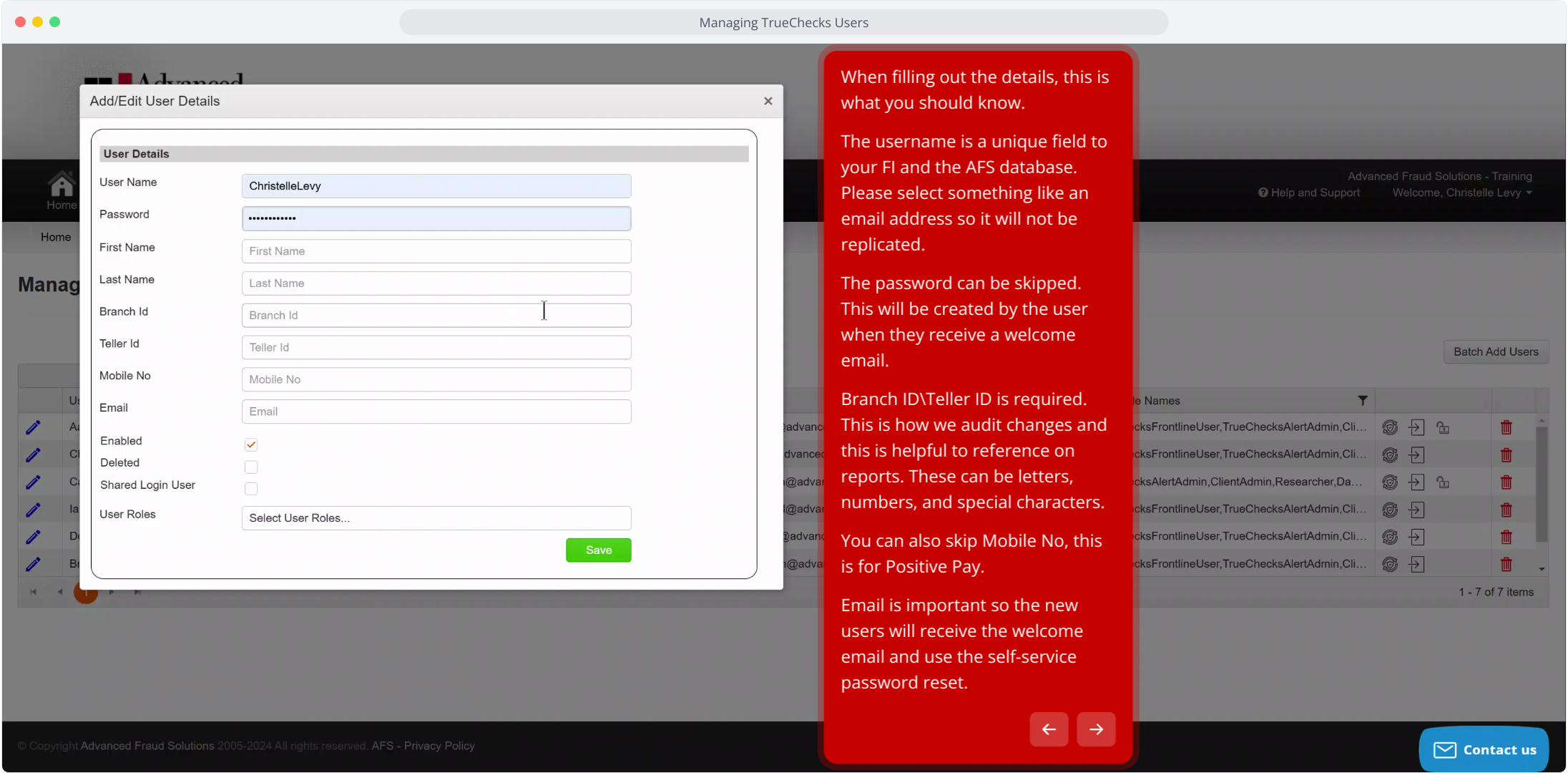
5. When filling out the details, this is what you should know.
The username is a unique field to your FI and the AFS database. Please select something like an email address so it will not be replicated.
The password can be skipped. This will be created by the user when they receive a welcome email.
Branch ID\Teller ID is required. This is how we audit changes and this is helpful to reference on reports. These can be letters, numbers, and special characters.
You can also skip Mobile No, this is for Positive Pay.
Email is important so the new users will receive the welcome email and use the self-service password reset.
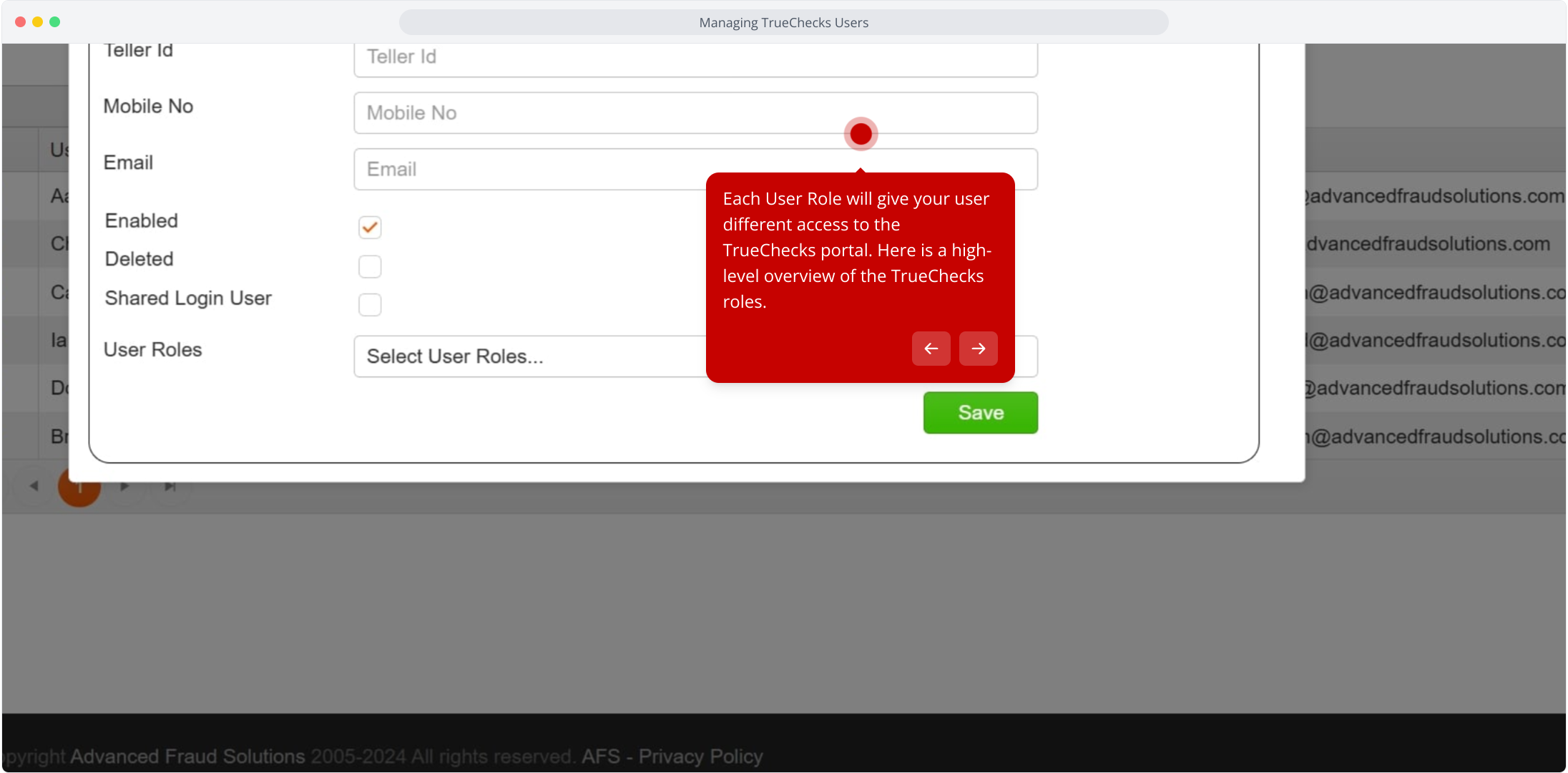
6. Each User Role will give your user different access to the TrueChecks portal. Here is a high-level overview of the TrueChecks roles.
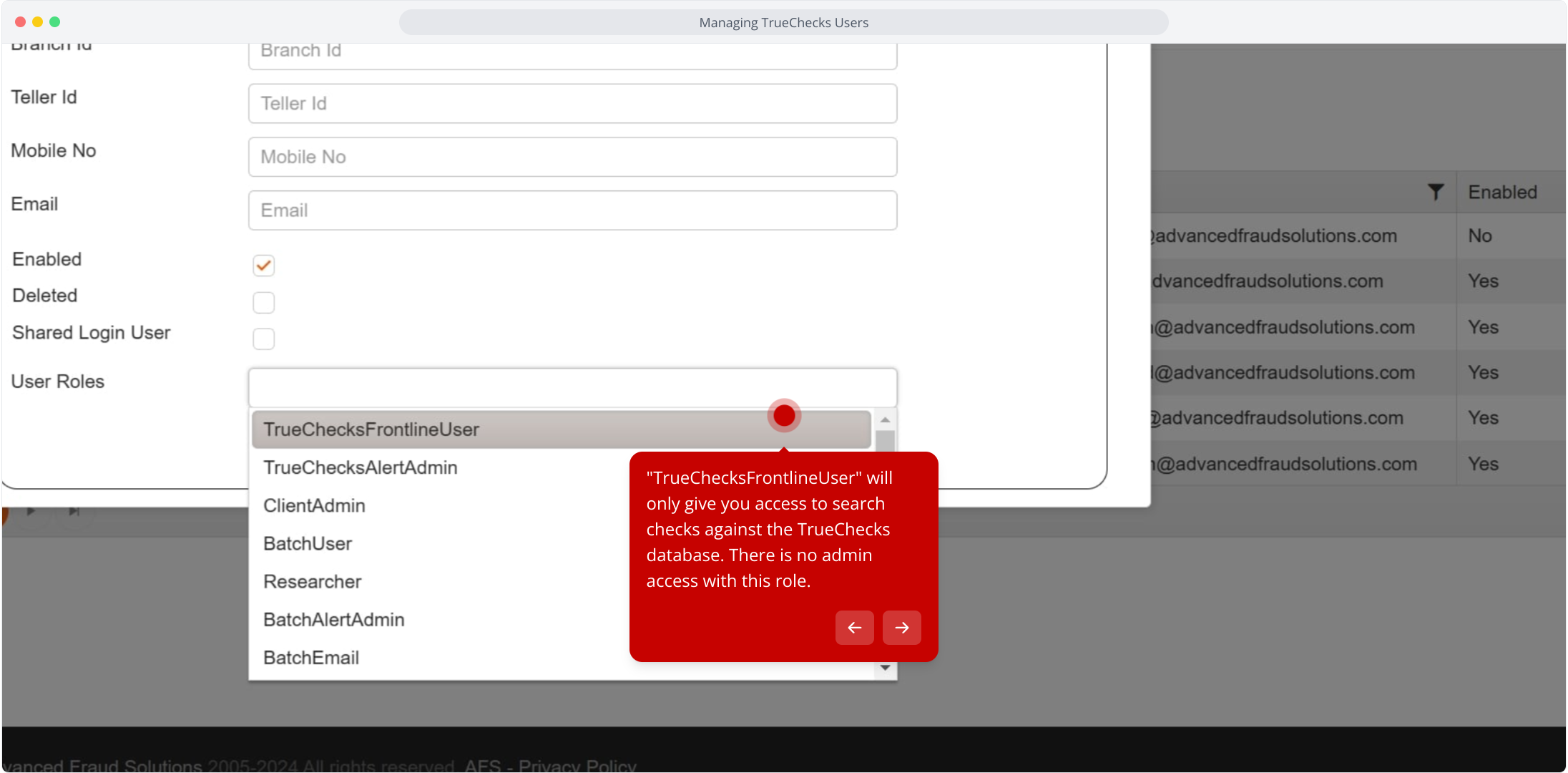
7. "TrueChecksFrontlineUser" will only give you access to search checks against the TrueChecks database. There is no admin access with this role.
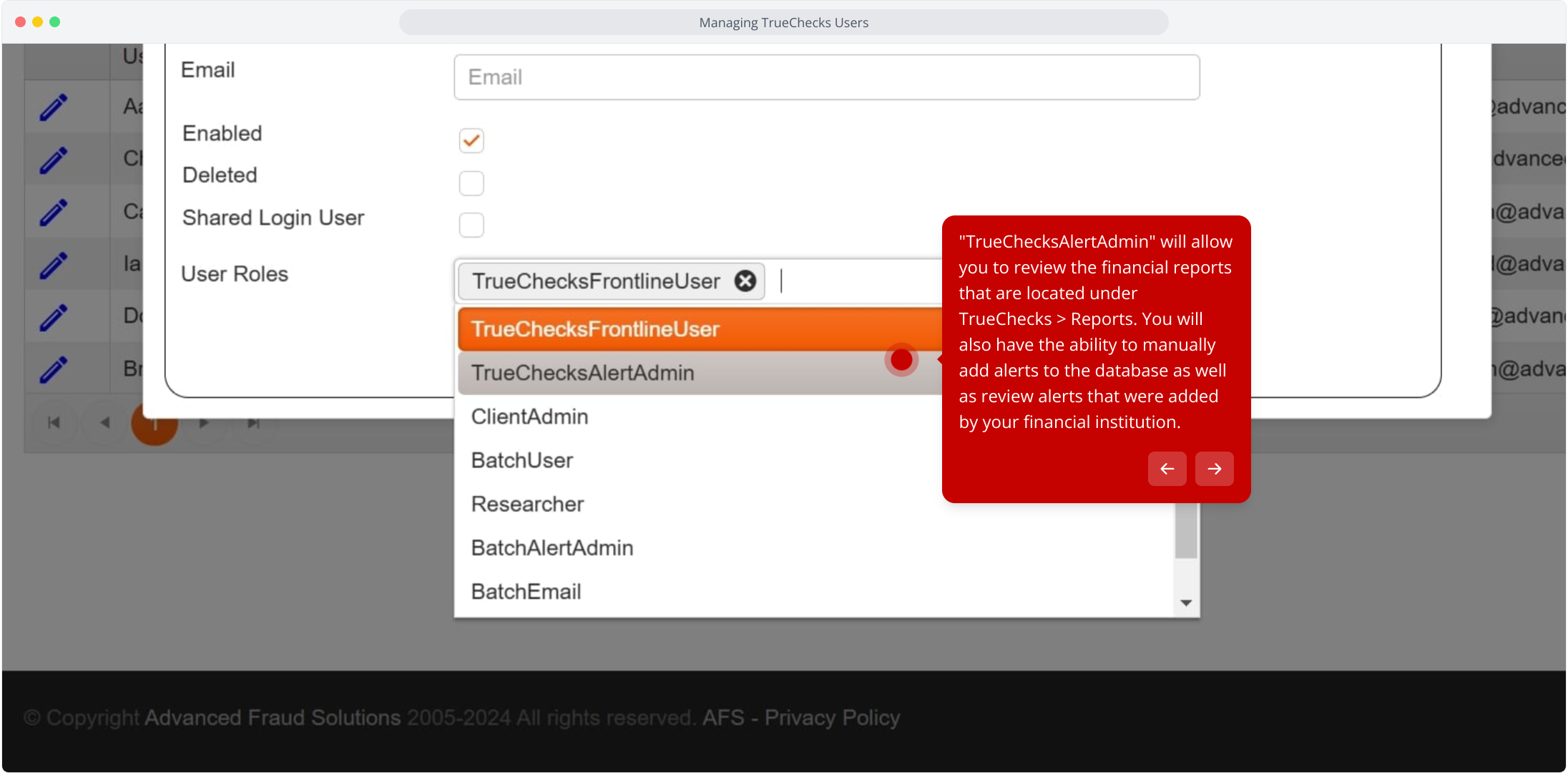
8. "TrueChecksAlertAdmin" will allow you to review the financial reports that are located under TrueChecks > Reports. You will also have the ability to manually add alerts to the database as well as review alerts that were added by your financial institution.
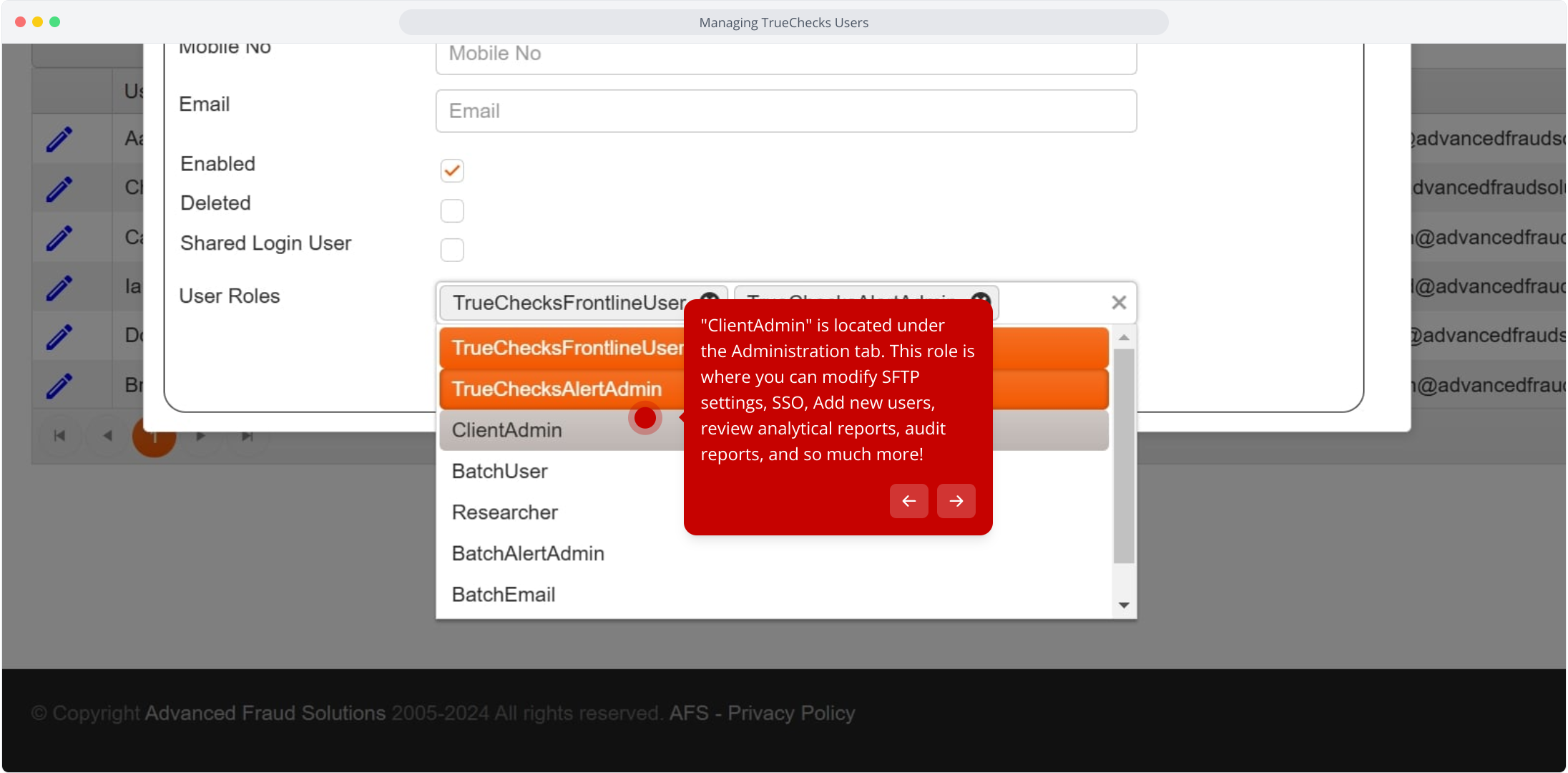
9. "ClientAdmin" is located under the Administration tab. This role is where you can modify SFTP settings, SSO, Add new users, review analytical reports, audit reports, and so much more!
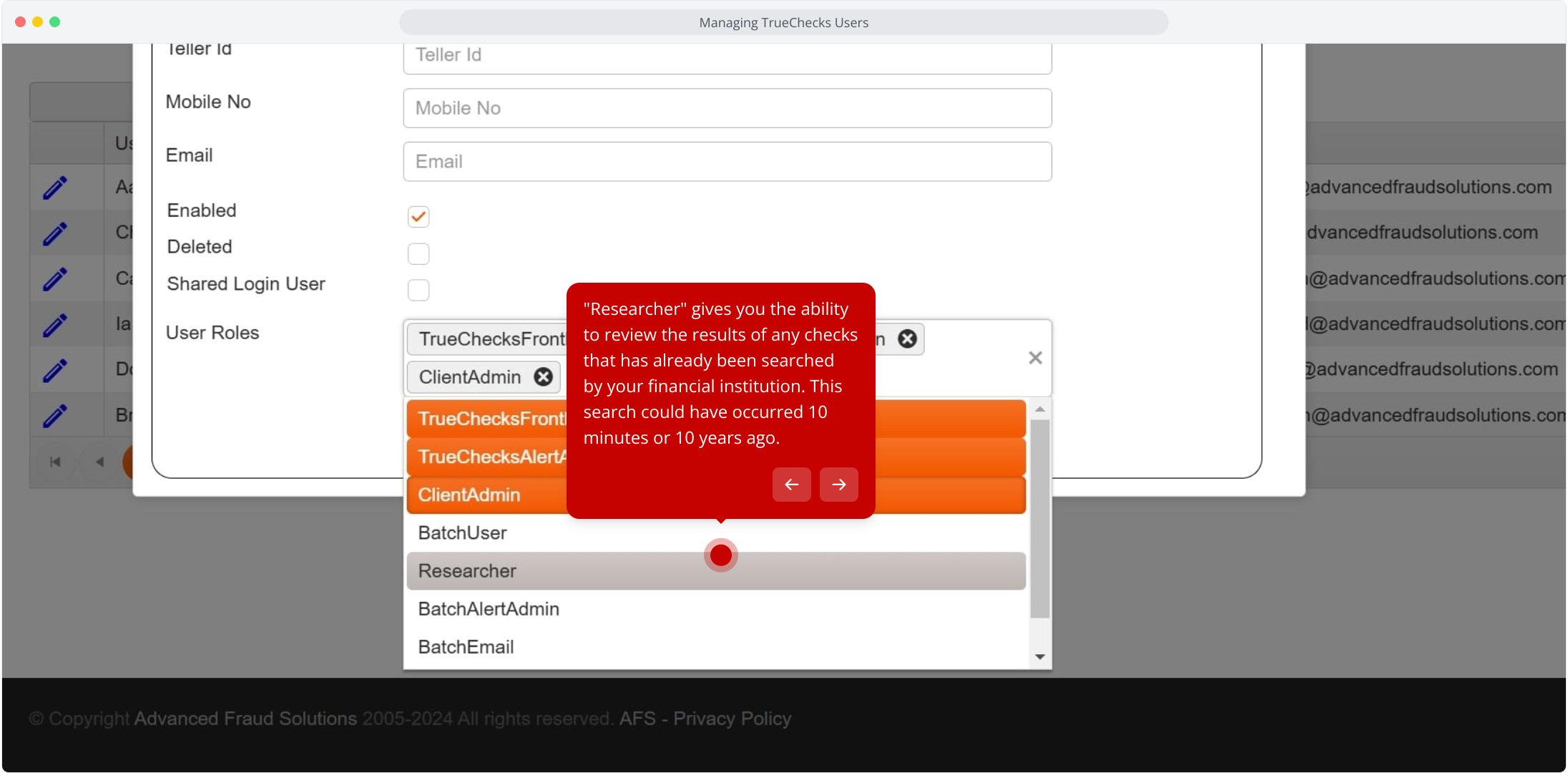
10. "Researcher" gives you the ability to review the results of any checks that has already been searched by your financial institution. This search could have occurred 10 minutes or 10 years ago.
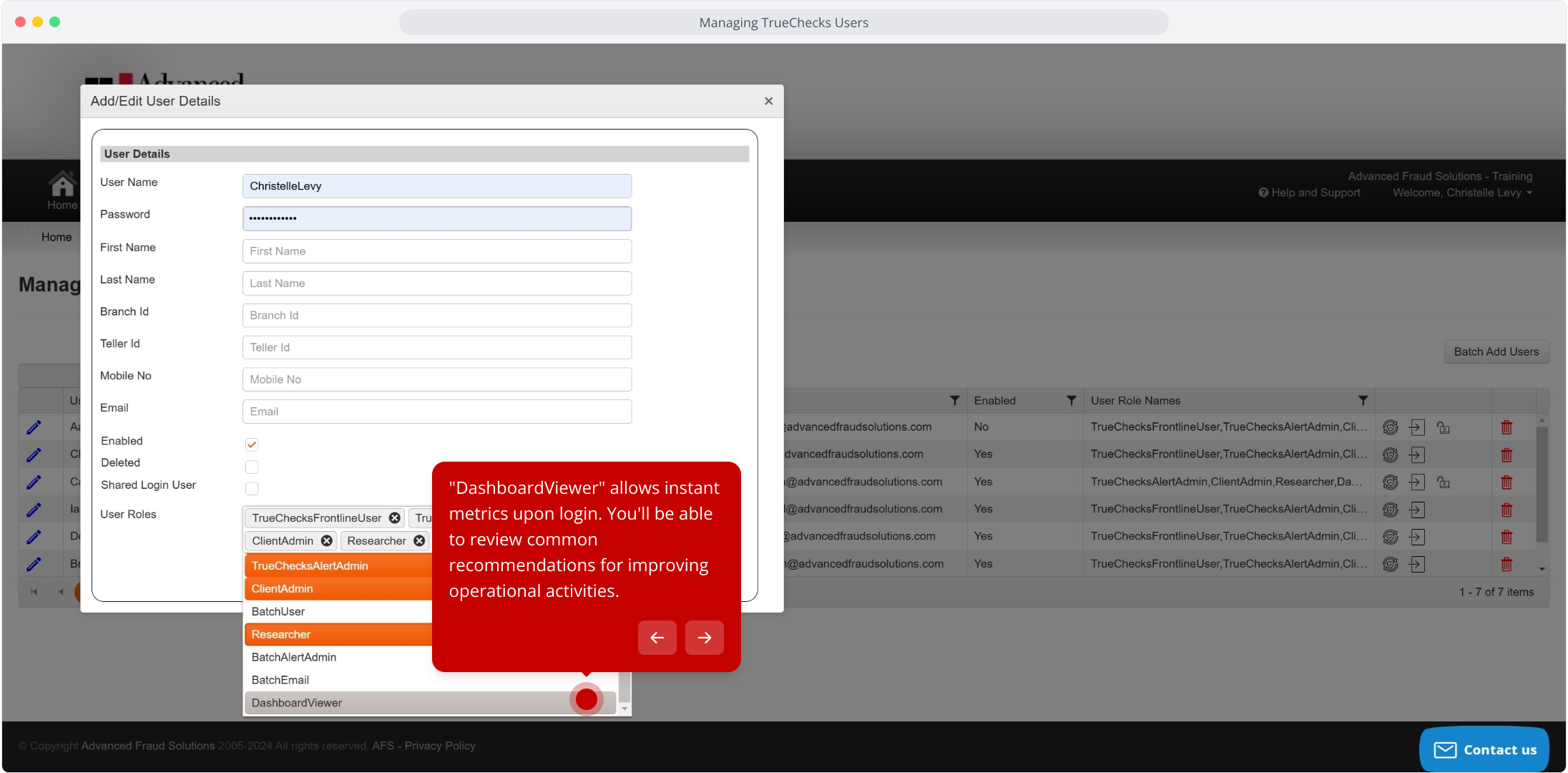
11. "DashboardViewer" allows instant metrics upon login. You'll be able to review common recommendations for improving operational activities.
Need Assistance?
If you have any questions, please contact AFS Support at support@advancedfraudsolutions.com.
Comments
0 comments
Article is closed for comments.